Will deleted photos really go to the Recycle Bin?
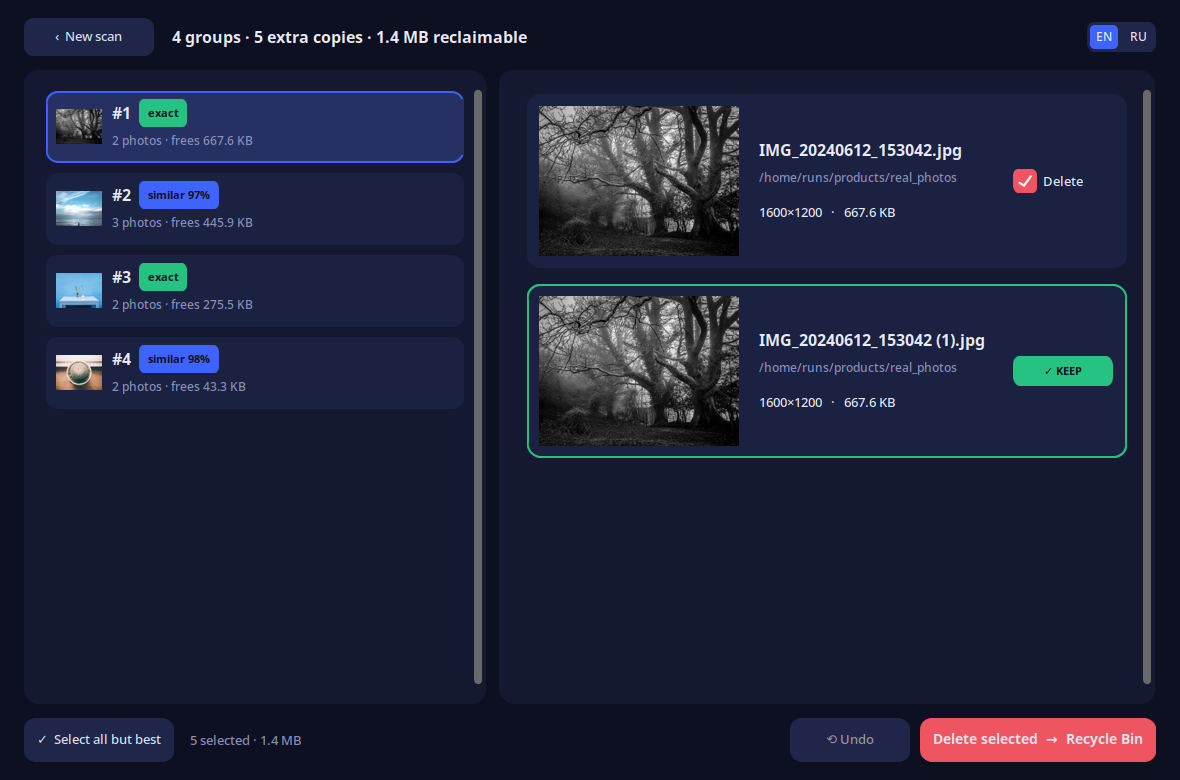
Yes. Every photo moved by the app lands in the Windows Recycle Bin, where it stays until you empty the bin manually. You can undo a delete by restoring from the bin at any time.
Can it find photos that are slightly different?
Yes, if you use Similar + exact mode. The app catches burst frames, cropped versions, photos resized by messenger apps, and lightly edited copies. Exact mode finds only byte-identical files.
Do I need to create an account?
No. The app opens straight to the scan window. There is no login, no email required, and no registration of any kind.
Does it work on Windows 11?
Yes. Duplicate Photos PC runs on Windows 10 and Windows 11, both 64-bit.
Can it scan cloud folders like Google Photos?
No. The app reads folders on your local PC—internal drives, external USB drives, and network shares mounted as a drive letter. Cloud-only libraries that are not mirrored to disk are out of scope.
Is the app free or is there a paid version?
Free forever. No trial period, no Pro tier, no watermark, no locked features. MIT licensed and no ads.
Can I scan multiple folders at the same time?
Yes. Add Pictures, Downloads, an external drive, a USB stick, or any combination of folders in one scan.